File organization for Mac
A place for
every file.
Create visual rules for screenshots, downloads, documents, and more. Preview the result, then let AnyaOrganize keep new arrivals in order.
- Apple Silicon
- macOS 13+
- Works locally

Screenshot rulePreview ready
Local workspace
01 / The idea
File automation should start with a sentence you understand.
AnyaOrganize turns each rule into three clear choices. Saving a rule never moves a file. You preview first, enable it separately, and decide when automation begins.
02 / Rule lab
Try a rule before the app arrives.
Choose an everyday task. The rule sentence and planned action update instantly.
In Desktop, when a new screenshot image arrives, move it to Pictures / Screenshots.
Only this approved folder
Recognized name and image type
A safe new name is used if needed
Read-only preview4 matches · no files changed
03 / Your workspace
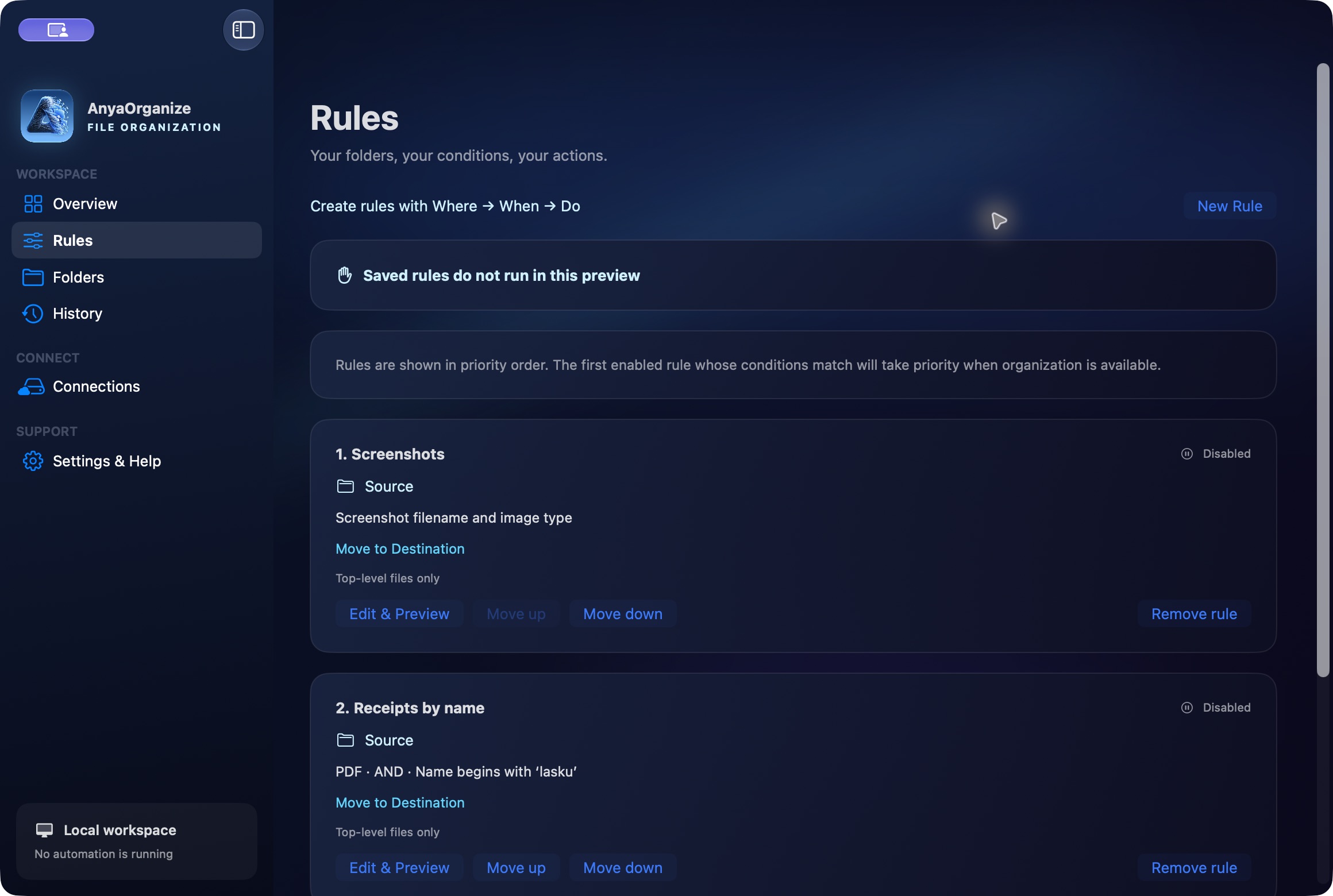
Rules you can read. Actions you can trace.
Start with a template or build your own conditions for file type, name, size, and age. Prioritize rules, add exceptions, and inspect the planned destination before anything runs.
- Move, copy, rename, add date folders, and apply Finder tags
- Searchable history with Finder links
- Conditional Undo for unchanged files
04 / Safety
Automation, with a visible brake pedal.
Folder access, previews, saved rules, and automatic execution stay separate. When something needs attention, new work waits instead of guessing.
- 01Preview before action
See matches, reasons, destinations, and name conflicts without changing files.
- 02Start intentionally
Saving does not run a rule. New arrivals and existing files are handled separately.
- 03Recover and review
Every attempted action is journaled. History and conditional Undo keep changes accountable.
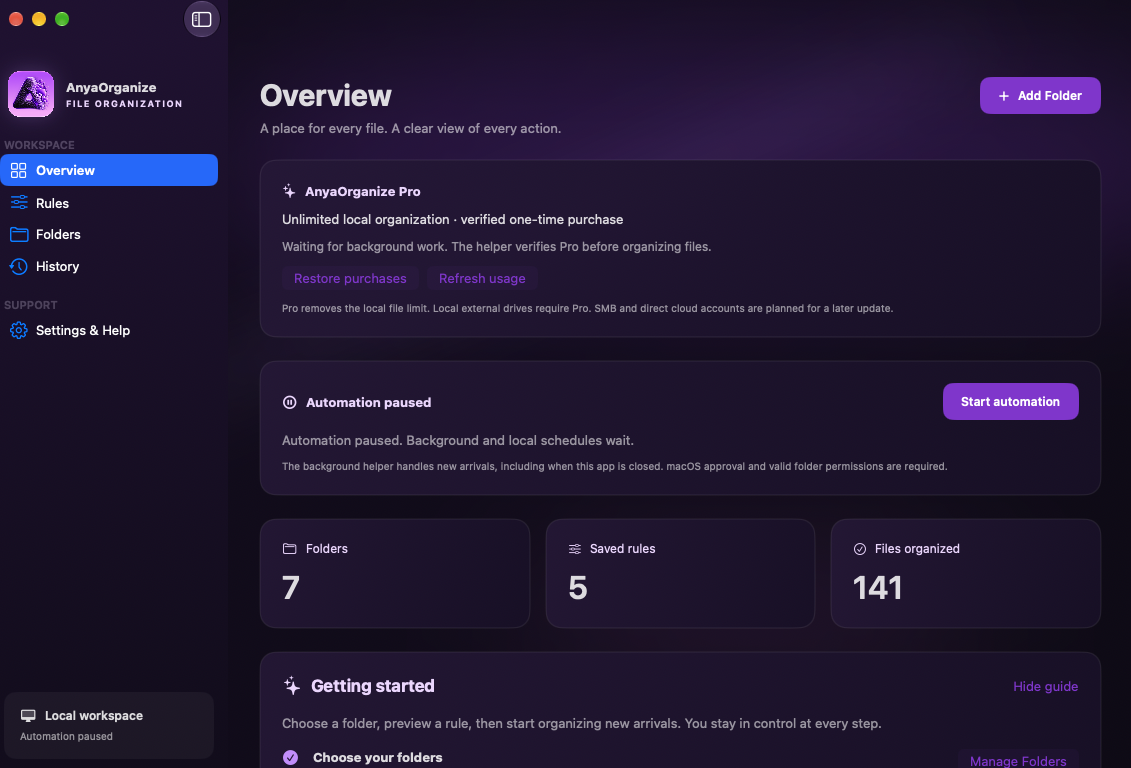
05 / Background work
Quiet when you need it. Paused when you say so.
Keep organization running while the app is open, or opt into a small background helper and a local schedule. Automation always has a global pause.
Continuous15 / 30 / 60 minDaily
06 / Privacy
Your filing system stays on your Mac.
AnyaOrganize does not require an account, upload your files to AnyaOrganize servers, or include advertising and analytics. Rules, file observations, history, and permissions are stored locally.
No cloud analysisNo ads or trackingNo AnyaOrganize account
Optional App Store purchases are processed by Apple. Read the AnyaOrganize privacy notice.
07 / Plans
Start free. Organize without limits when you are ready.
Pro is a one-time purchase, without a subscription.
Free
100 files / UTC month
- Unlimited rules and previews
- History and conditional Undo
- Background work and schedules
- Local internal storage
Pro
Unlimited local organization
- Everything in Free
- No monthly file limit
- One-time purchase
- Local external drives
- SMB and direct cloud accounts planned later
Available now
Available now on the Mac App Store.
Download AnyaOrganize securely through Apple. The Mac App Store handles installation and updates, and Apple shows the Pro price for your region before purchase.